Our Location
5th Floor, Huake Center, Lanshan District, Linyi City, Shandong Province, China

5th Floor, Huake Center, Lanshan District, Linyi City, Shandong Province, China
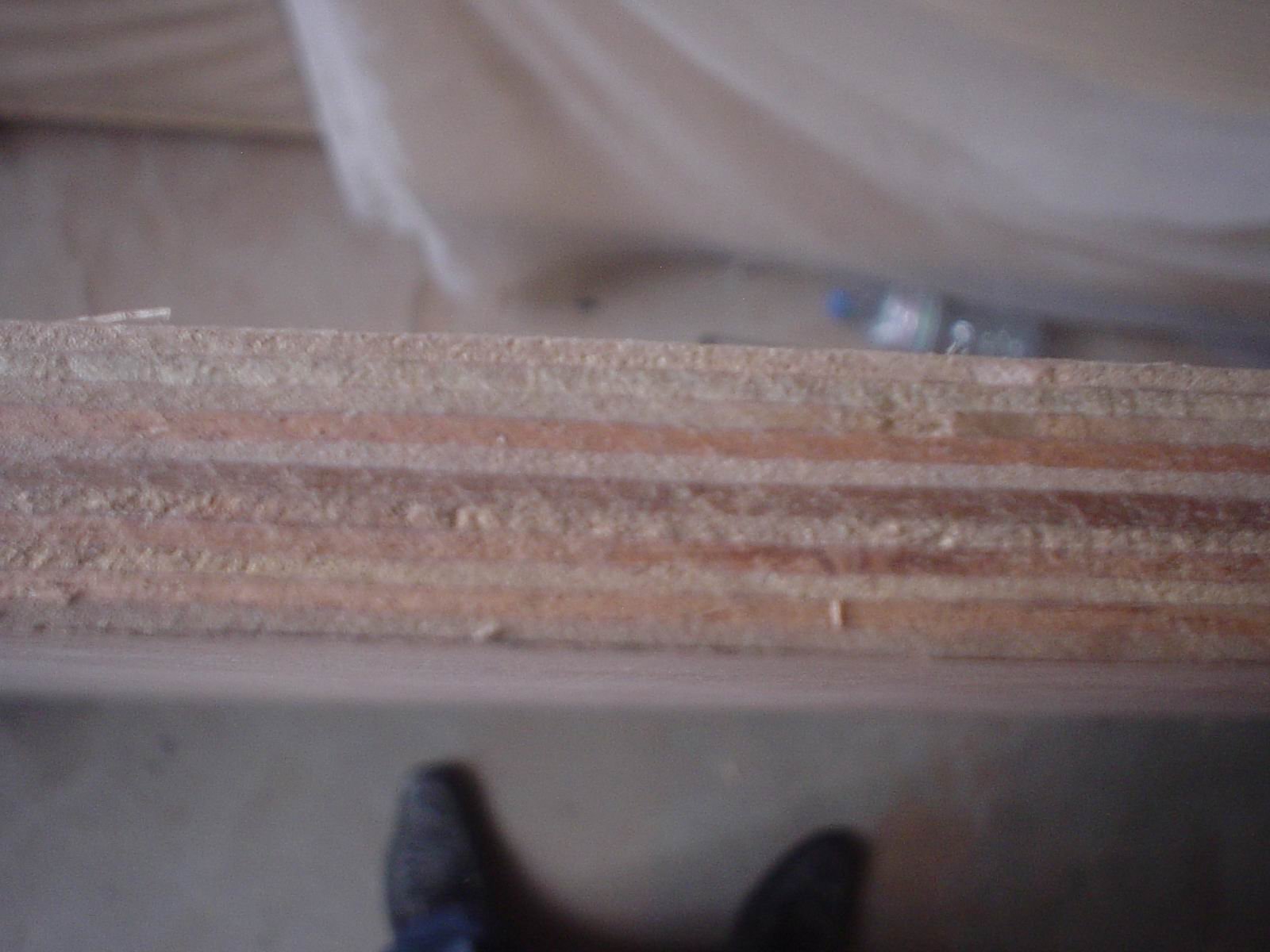
A plywood optimizer turns a list of parts into a plan that shows how many sheets the job needs and how much waste the cuts leave. The tool removes the guesswork from a panel buy, because the plan sets the order before the saw runs. This guide covers what the tool does, which inputs shape the plan, and how a buyer turns a report into a lower panel cost.
A plywood optimizer takes a part list and a set of sheet sizes and works out the layout that cuts the most parts from the fewest panels. The plan tells the buyer how many sheets to order and how much offcut the job leaves, so the purchase follows the drawing rather than a rough estimate. That plan sets the material cost of the build before the first cut.
The tool does a few clear jobs:
Yield names the share of each sheet that ends up in a part, and a higher yield means fewer panels for the same work. A shop that lifts its yield from one job to the next buys fewer sheets across the month, which lowers the material cost without a change in the panel price.
Consequently, the optimizer answers a buying question before the job starts. The buyer sees the sheet count, and the supplier sees the order, so both plan from the same number instead of from a guess that drifts at the saw.
The tool also saves a decision. A buyer who sees the sheet count before the quote compares two suppliers on the same plan, and the one who meets the plan wins the order. That comparison keeps the price honest and the panel true. A plan in hand also speeds the call, because the buyer asks for a known count instead of a vague estimate.
The plan depends on the inputs, and a few details change the layout more than the rest. A buyer who fixes those inputs before the tool runs gets a plan that holds at the bench, while one who leaves them loose finds a plan that fails on the first sheet.
| Input | Why it matters |
|---|---|
| Part list | Sets the demand the plan must meet |
| Sheet size | Sets the area the plan must fill |
| Grain rule | Locks how the parts rotate |
| Trim rule | Leaves a clean edge on the sheet |
| Offcut rule | Sets the piece too small to keep |
Next, the part list must be real. A list that ignores a trim allowance produces a tight plan that fails at the saw, and the shop then re-cuts and wastes the very material the tool saved. A buyer who writes the list from the drawing gives the tool a clean start.
In contrast, a plan that ignores the grain rule fails on a veneer face. A panel with a visible grain must keep the face direction on every part, so the tool locks the rotation and the yield drops a little. A buyer who accepts that drop protects the look of the finished piece.
Therefore, fix the inputs before the run. A buyer who confirms the sheet size, the grain rule, and the trim allowance gets a plan that survives the first cut and holds across the batch.
The plan saves cost in two places: fewer sheets and less scrap, and both show up on the order. A higher yield lifts the value of every sheet, while a better offcut plan keeps the leftovers for later parts. Together, they trim the material cost of the build.
| Plan | Sheets used | Yield | Waste |
|---|---|---|---|
| Estimate by eye | Highest | Low | Most |
| Grid layout | Middle | Middle | Some |
| Optimized plan | Lowest | Highest | Least |
Consequently, the saved cost does not stop at the sheet. Fewer sheets mean fewer cuts, less handling, and less time at the bench, and the labor saving often matches the material saving on a large run. A buyer who counts both sees the real value of the tool.
Furthermore, the offcut carries value. A plan that keeps the larger pieces for later parts stretches the same sheet across more than one job, and the shop buys fewer panels across the month. The waste pile shrinks because the tool planned the leftovers.
Labor savings matter as much as the sheets. A planned cut list removes the re-cut that a wrong estimate forces, and the crew spends its hours on the parts instead of the waste. A buyer who counts both the material and the labor sees the real value of the tool.
As a result, a buyer who runs every repeat job through the tool holds the sheet count steady and the waste low. The saving grows as the shop builds a library of part lists and reuses the plans that worked.
A report shows the sheet count, the yield, and the offcut, and a buyer who reads those three lines decides the order without a second pass. The report also flags the weak part of the plan, the part that wastes the most area, so the buyer can adjust the drawing before the cut.
A short check covers the key lines:
In contrast, a report that only names the sheet count hides the weak part of the plan. A buyer who reads the offcut sees where the plan loses area, and a small change to the drawing often recovers a part from that piece. The report rewards a careful read.
Therefore, treat the report as a buying document. A buyer who holds the report beside the quote sees whether the supplier meets the plan, and the order follows the number that the tool produced.
A report also compares two sheets. A buyer who plans a mixed gauge can weigh the yield on an 18 mm sheet against a 12 mm sheet and pick the cheaper path. That comparison guides the gauge choice before the order. The yield figure then becomes a buying lever rather than a shop statistic, and a buyer who reviews it each month tracks the trend.
The plan converts into an order through a short sequence, and a good plan tells the buyer exactly what to source. The sheet count, the gauge, and the bond all travel from the tool to the purchase order, and the supplier matches the panel to the plan.
For general construction and a workhorse carcass, Commercial Plywood gives a steady core that keeps the plan valid from the first cut to the last. For a forming job that needs a tough face, Film Faced Plywood takes the reuse and the water of a slab. For a smooth, sealed interior part, MDF Board offers a flat face that nests well under a cutter.
Furthermore, order the sheets the plan consumes, not the sheets a rough guess suggests. Every spare pallet is cash asleep at the back of the shop, and the plan already fixed the count. A tight order keeps the floor clear and the cash moving.
A supplier such as HYY quotes the panel and the loading plan together, so the buyer orders the exact sheet count the tool consumed. That pairing keeps the panel and the plan aligned, and the build stays on budget from the first order.
Order to the plan and hold the count. A buyer who orders the sheets the plan consumes keeps the floor clear and the cash moving, and the supplier fills the count without a second call. That discipline turns the tool into a buying habit.
The questions below come up on the tool, and each has a short answer.
It fits a part list onto standard sheets and reports the sheet count, the yield, and the offcut, so the buyer orders the panels the plan needs.
Yes. A higher yield means fewer panels and less scrap, and the saving shows on the order and on the bench.
The part list, the sheet size, the grain rule, and the trim allowance. A real list with the right rules gives a plan that holds at the saw.
Check the sheet count, the yield against the last job, and the largest offcut, then compare two plans on the same part list.
Yes, if the sheet size is loaded. The plan works for any sheet the buyer names, and the order then follows the count.